

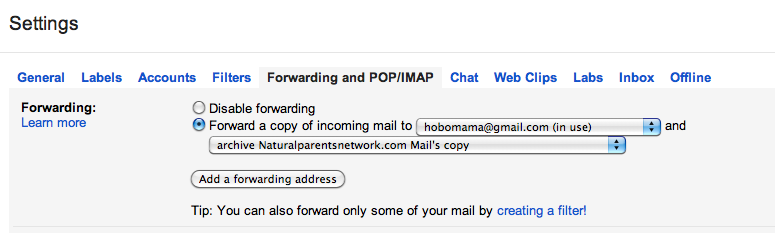
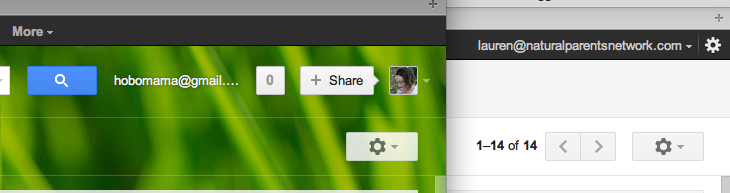
You now know how to log into multiple Gmail accounts at once and forward other Gmail addresses to a single account.
The next step in our Gmail simplification program is to look like you're still responding to emails from multiple accounts, even though they're really all consolidated.
1. Go into your Gmail Settings.
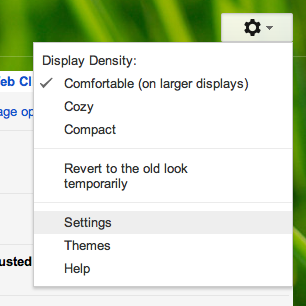
Click on the gear icon toward the upper righthand corner of your Gmail screen (located underneath your profile icon or name). In the drop-down menu that appears, select "Settings."
2. Go to "Send mail as" settings.
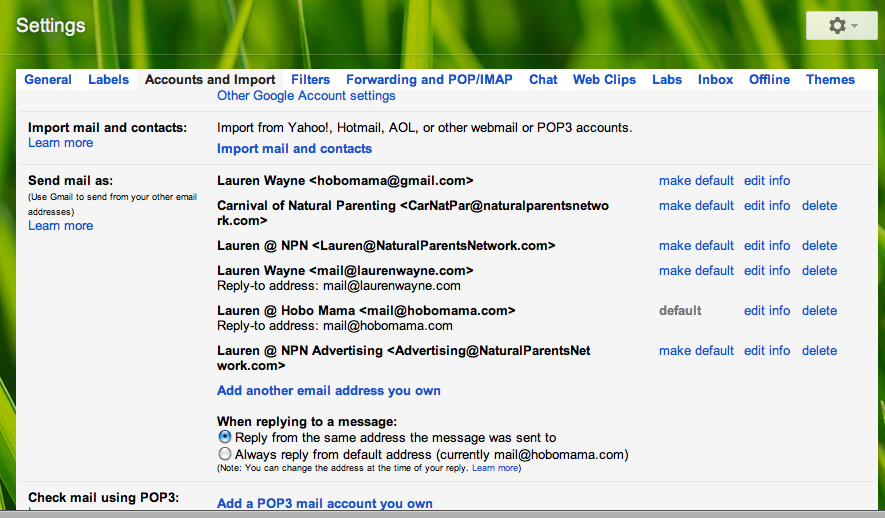
Select "Accounts and Import" along the top tabs in Settings.
Scroll to "Send mail as:" and select "Add another email address you own."




 2
2


 subscribe to feed
 follow on twitter
 like on facebook


