3.28.2016

Lauren's link love: Query spreadsheet, picture book info, analyze your Twitter persona, & e-publishing at your local library

Links to share, collected at @LaurenWaynecom on Twitter:


3.24.2016

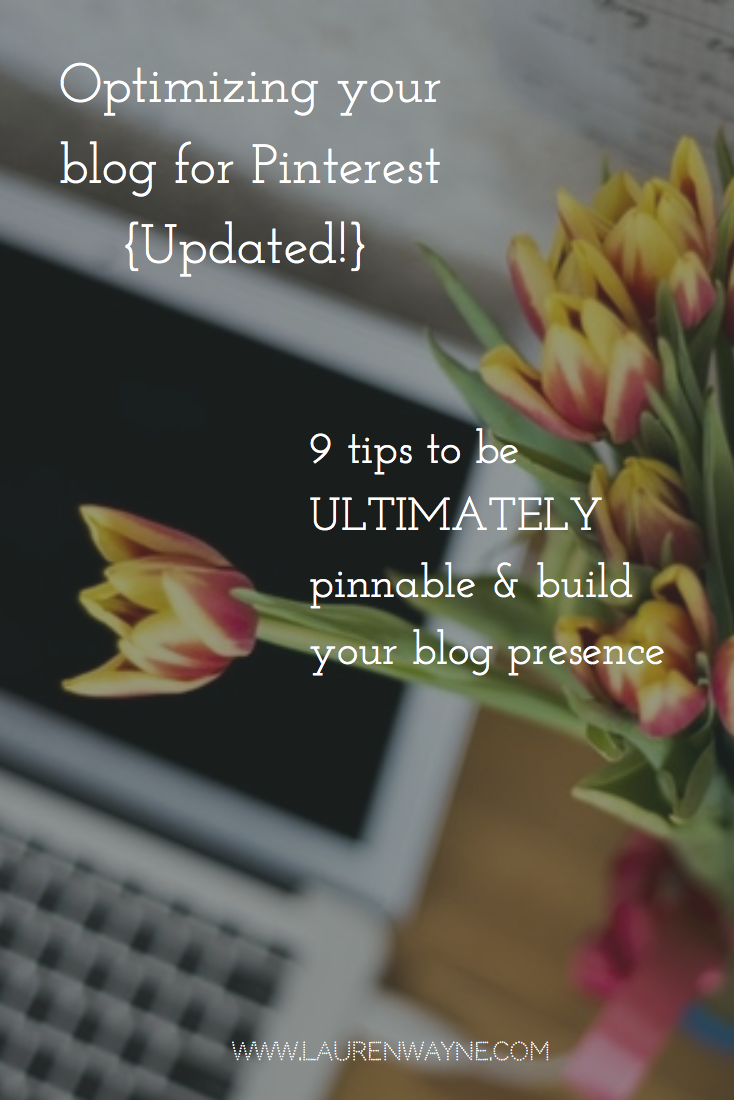
Optimizing your blog images for Pinterest: 9 tips {Updated!}

Since things have changed so much since the last time I wrote about this topic, I figured an update was in order for the way Pinterest works with blog images now.

Many bloggers report amazing traffic from Pinterest if you leverage the platform just right, garnering viral repins and multiple clicks through to a blog. Here are ways to fine-tune your blog images to be Pinterest-friendly.

  1. Include an image in every post.

    If you want to be pinned, this is a must. Technically, a pinner can skirt around this by uploading an image to use as a placeholder for your post, but how dedicated are your readers really? Even if you're a writer, a words person, not a graphics person (I get it — I do!), you need an image in your blogpost. And even if you're not on Pinterest yourself — even if you never set foot in the app or have an account — your blogposts could be gaining traction there as soon as someone pins them. So it's worth making your posts pinnable! The minimum size, by the way, is 100X200 pixels, which is teensy and not going to play well on Pinterest. Read on.

     
  2. Use the standard Pinterest size for best results.

    The largest pin size is 735 pixels wide, and the longest pin that can be read in mobile without clicking on an "expand pin" button is 1102 pixels long. So there's your optimal pin size: 735x1102. (You can round it to 1100 if that's easier to remember, and it doesn't actually need to be exact.) That's the width that will pop up when you click on a pin on desktop. You can technically make your pins infinity long, so if you have more to include (such as in an infographic or a step-by-step pictorial tutorial), then go for it. The whole length will be shown on desktop, but be aware that the whole length won't show automatically on mobile without an extra click.

    Examples of how pins look on desktop & mobile:

    Pins can show as super long on desktop.

    Longer pins will be truncated on mobile.


3.21.2016

Lauren's link love: How to get your children's book published, editing checklist, bump your follower count, & the proper use of cheese

Links to share, collected at @LaurenWaynecom on Twitter:


3.17.2016

Things I am doing instead of querying

I am supposed to be querying my cozy mystery novel, Poisoned, by God. I have sent a query out to one agent. One.

Here are the other very important things I have been doing instead:

  1. I have gone through old blogposts on this blog and made Pinterest-worthy images for them with Pablo by Buffer, my new favorite thing. (See the image on this post as an example. It's free!)
  2. I have gone through super-old posts on Hobo Mama to clean up code and add in affiliate-link warnings when needed for FTC compliance. (I'm still working on this.)
  3. I have written six blogposts.
  4. I have come up with two ideas for middle grade fiction series, and one for a literary novel.

3.14.2016

Lauren's link love: YA preview, Twitter tools & tips, Scrivener tute, and animated cats

Links to share, collected at @LaurenWaynecom on Twitter:


3.10.2016

Ready to submit? Use Formatting & Submitting Your Manuscript to help!

Here's a glowing review for a seemingly dull book: Formatting & Submitting Your Manuscript, by Chuck Sambuchino and published by Writer's Digest Books. It goes into the nitty-gritty, boring old details of exactly how you present your precious writing to a potential agent or editor.

It's all in the details

It covers all major forms of writing, from article writing to nonfiction to short stories to novels to children's books, scripts, and poetry, and it details not just how to present your manuscript itself but also all the essential elements that go along with it: a query letter, a book proposal, an author bio, a synopsis, and more.

You might think the book would gloss over details, like that you'd have to infer from a generalized description of fiction submissions how to cater for a particular genre, but this book is all about details. I love books that are all about details! Are you writing a mystery novel? Covered. A graphic novel? Covered. An author-illustrated (or not) picture book? Covered. Need to know how to submit the acknowledgements page for your nonfiction book? Covered. An endorsements page for your novel? Covered. How about your radio commentary? Dude, it's covered.

3.06.2016

Lauren's link love: Editing tools, author publicity, & crafting a book

Links to share, collected at @LaurenWaynecom on Twitter:


Related Posts Plugin for WordPress, Blogger...